Solution
- In the votingapp directory, replace each Pod specification with a Deployment specification with a single replica. Name these Deployment files deploy-XXX.yaml where XXX is the name of the microservice (voteui, vote, …)
apiVersion: apps/v1
kind: Deployment
metadata:
  labels:
    app: vote-ui
  name: vote-ui
spec:
  replicas: 1
  selector:
    matchLabels:
      app: vote-ui
  template:
    metadata:
      labels:
        app: vote-ui
    spec:
      containers:
        - image: voting/vote-ui:latest
name: vote-ui- Deploy the application with the following command from the votingapp directory:
kubectl apply -f .- As before, using the IP address of one of the cluster nodes, you can access the vote and result interfaces via ports 31000 and 31001 respectively.
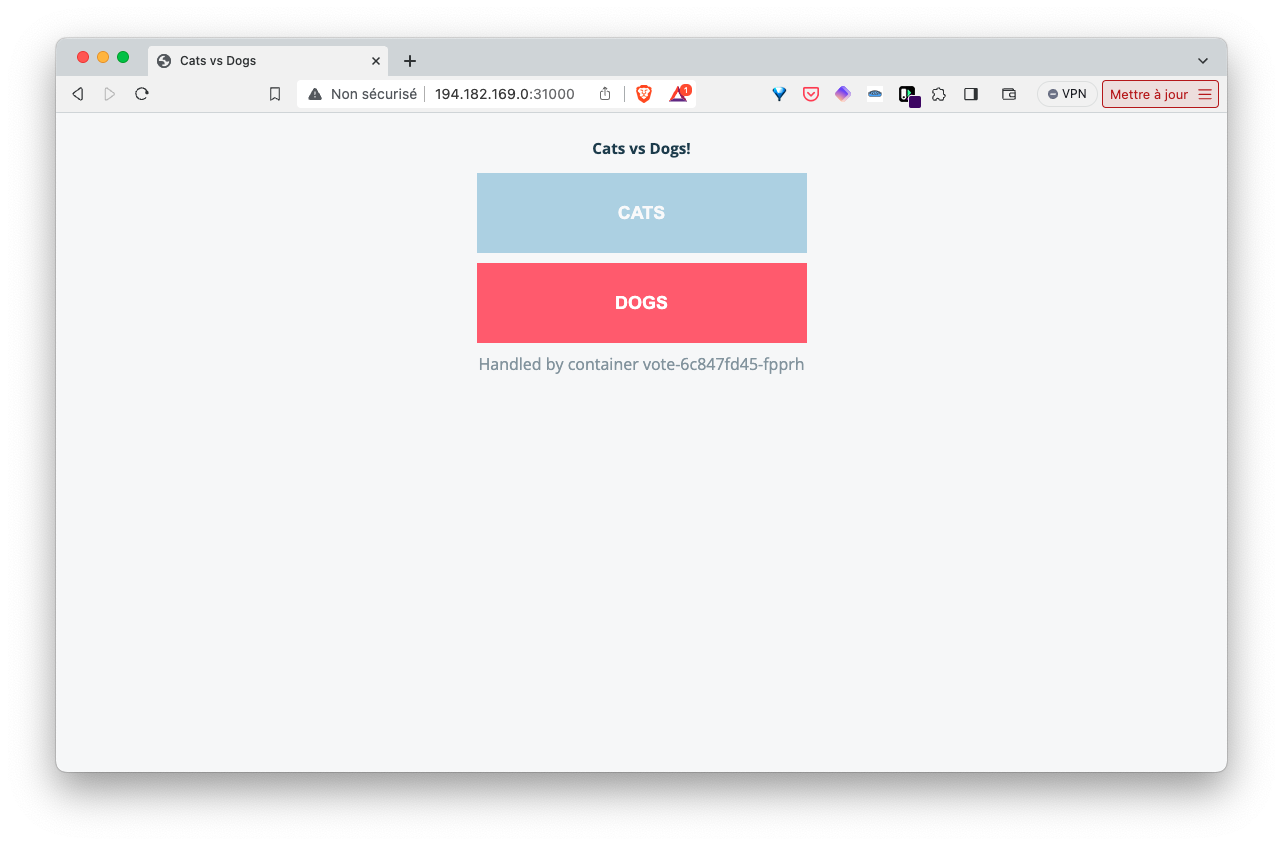
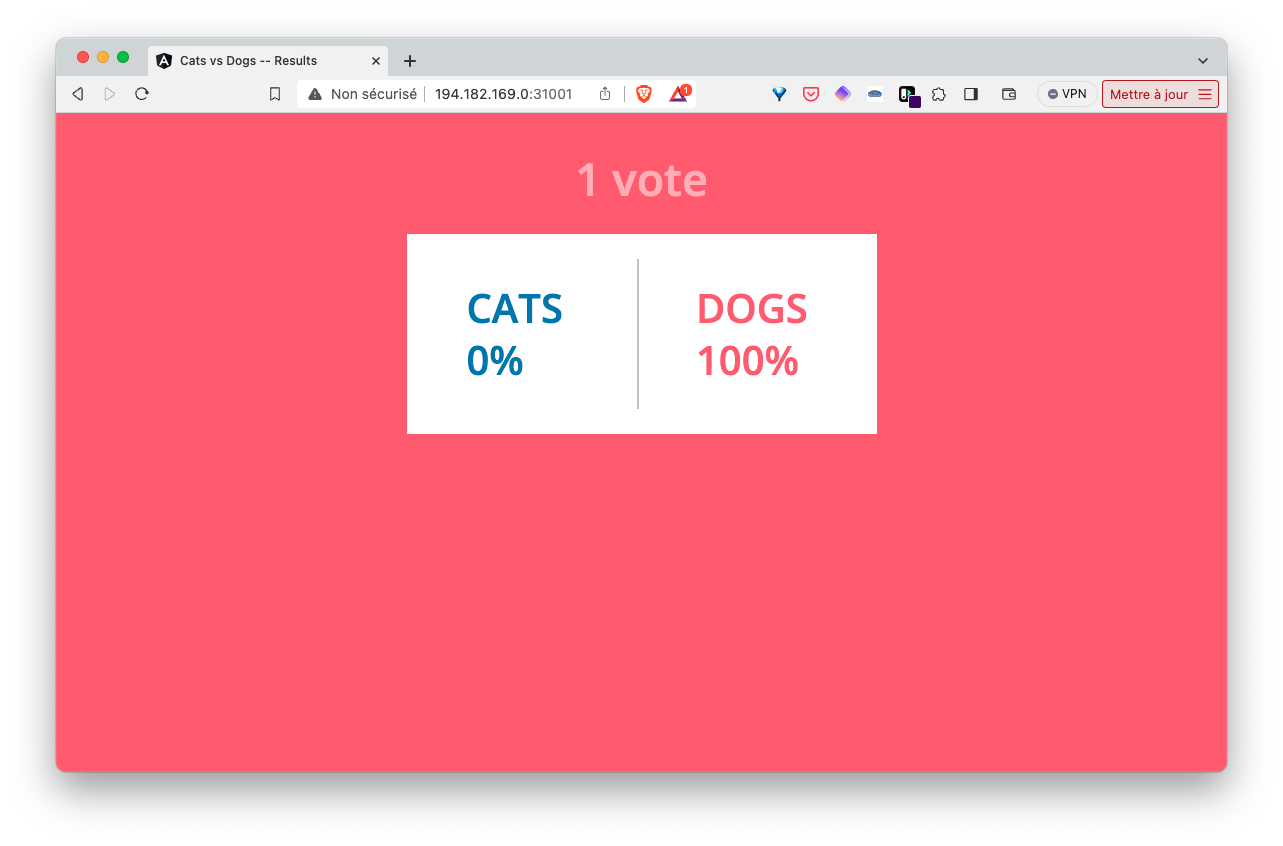
- Each Pod is now managed by a Deployment. If a Pod is deleted, another Pod is automatically created to replace it.
List of Pods:
$ kubectl get po
NAME                         READY   STATUS    RESTARTS   AGE
db-647c8f548b-j7z79          1/1     Running   0          3m35s
redis-6f95f75d56-7gwjz       1/1     Running   0          3m35s
result-7f897b4d58-qqtt4      1/1     Running   0          3m35s
result-ui-5cdd74d999-q5tx7   1/1     Running   0          3m34s
vote-6c847fd45-fpprh         1/1     Running   0          3m35s
vote-ui-74849dd9b4-gwcq9     1/1     Running   0          3m35s
worker-8655654586-k44vw      1/1     Running   0          3m35s
Deleting a Pod (e.g., worker):
$ kubectl delete po worker-8655654586-k44vw
pod "worker-8655654586-k44vw" deleted
A new Pod is automatically launched to replace the one that was deleted.
$ kubectl get po
NAME                         READY   STATUS    RESTARTS   AGE
db-647c8f548b-j7z79          1/1     Running   0          5m15s
redis-6f95f75d56-7gwjz       1/1     Running   0          5m15s
result-7f897b4d58-qqtt4      1/1     Running   0          5m15s
result-ui-5cdd74d999-q5tx7   1/1     Running   0          5m14s
vote-6c847fd45-fpprh         1/1     Running   0          5m15s
vote-ui-74849dd9b4-gwcq9     1/1     Running   0          5m15s
worker-8655654586-mmzgh      1/1     Running   0          4s
A Deployment ensures that Pods are always present. If we had deleted a Pod that was not managed by a Deployment (a Naked Pod), no new Pod would be automatically created to replace it.
- We delete the application with the following command:
kubectl delete -f .