Solution
- The Service specifications are as follows:
apiVersion: v1
kind: Service
metadata:
  labels:
    app: vote-ui
  name: vote-ui
spec:
  type: NodePort
  ports:
    - port: 80
      targetPort: 80
      nodePort: 31000
  selector:
app: vote-ui- Deploy the application with the following command from the votingapp directory:
kubectl apply -f .- The different Pods are now in Running status:
$ kubectl get po,svc
NAME            READY   STATUS    RESTARTS   AGE
pod/db          1/1     Running   0          20s
pod/redis       1/1     Running   0          20s
pod/result      1/1     Running   0          20s
pod/result-ui   1/1     Running   0          20s
pod/vote        1/1     Running   0          20s
pod/vote-ui     1/1     Running   0          21s
pod/worker      1/1     Running   0          20s

NAME                 TYPE        CLUSTER-IP       EXTERNAL-IP   PORT(S)        AGE
service/db           ClusterIP   10.100.10.36     <none>        5432/TCP       20s
service/kubernetes   ClusterIP   10.96.0.1        <none>        443/TCP        29m
service/redis        ClusterIP   10.107.167.249   <none>        6379/TCP       20s
service/result       ClusterIP   10.105.157.142   <none>        5000/TCP       20s
service/result-ui    NodePort    10.101.30.191    <none>        80:31001/TCP   20s
service/vote         ClusterIP   10.96.108.192    <none>        5000/TCP       20s
service/vote-ui      NodePort    10.104.203.9     <none>        80:31000/TCP   20s
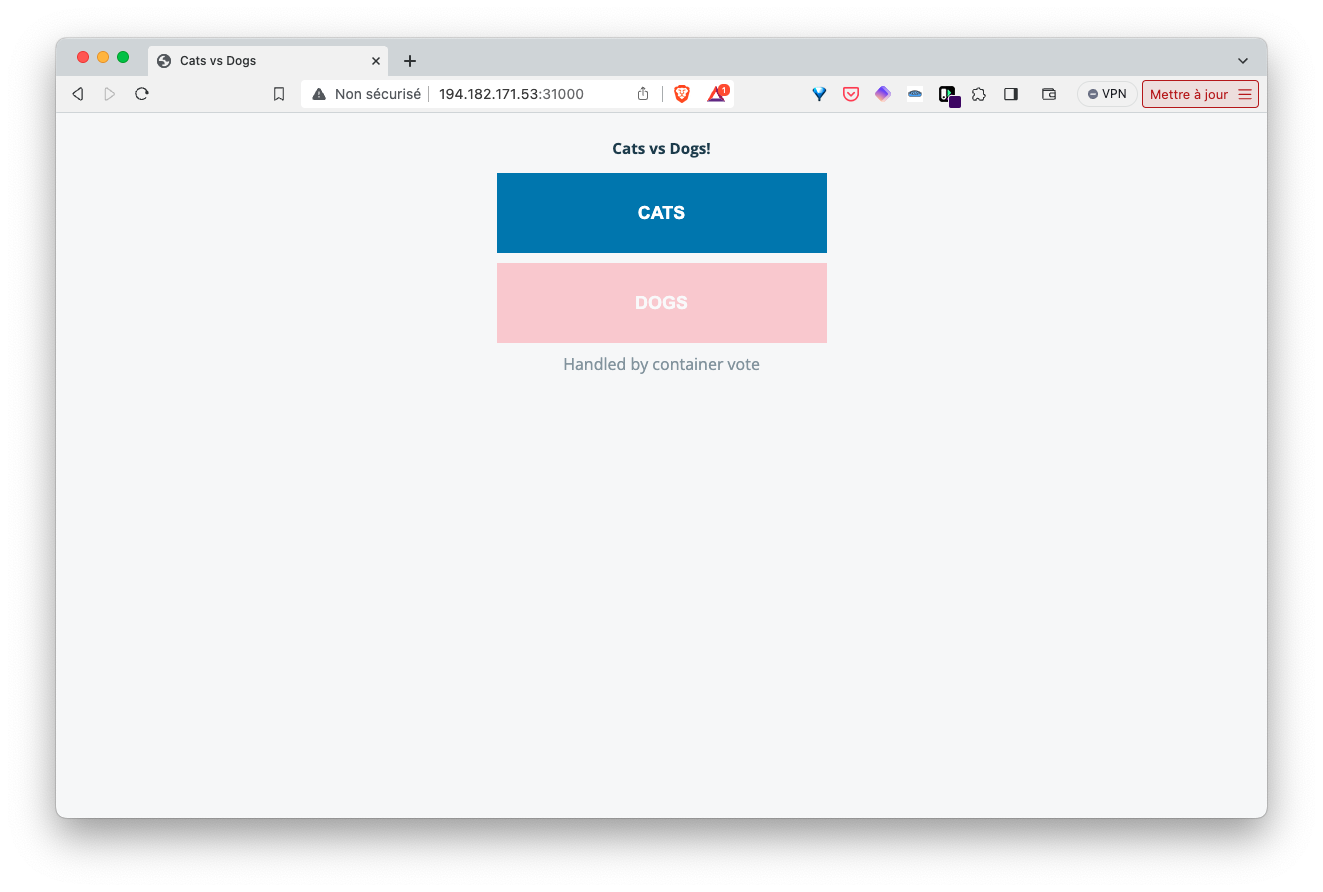
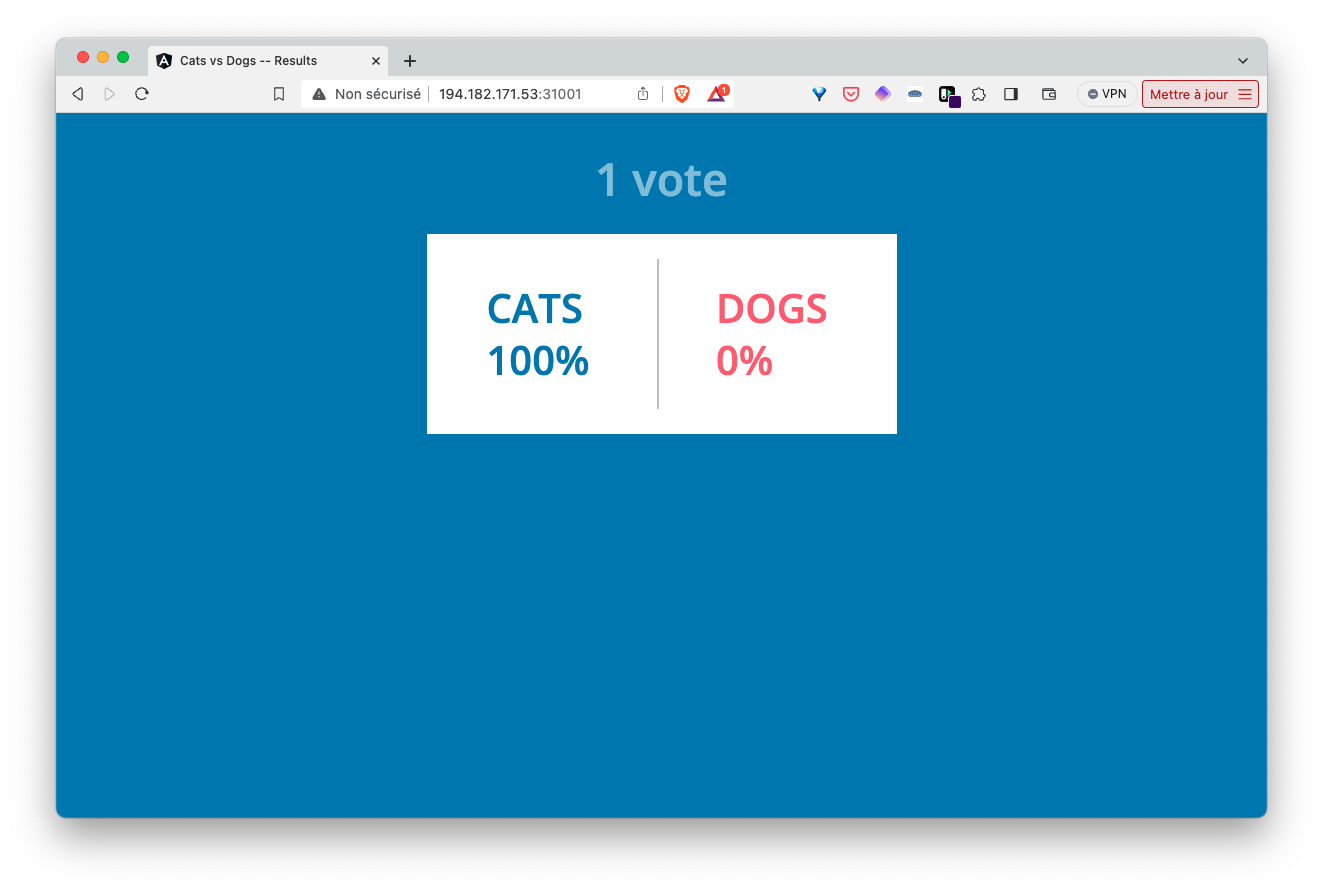
Using the IP address of one of the cluster nodes, we can access the vote and result interfaces via ports 31000 and 31001 respectively.
- Delete the application with the following command:
kubectl delete -f .